

Choose Your Method
| Method | When to Use | Setup Effort |
|---|---|---|
| Manual builds | Small teams, infrequent deploys | Low |
| DockerHub + GitHub | Using DockerHub, simpler setup | Medium |
| ECR + GitHub OIDC | Using ECR, no stored credentials | Higher |
For manual builds, see Getting Started - AWS Setup. ECR tokens expire after 12 hours.
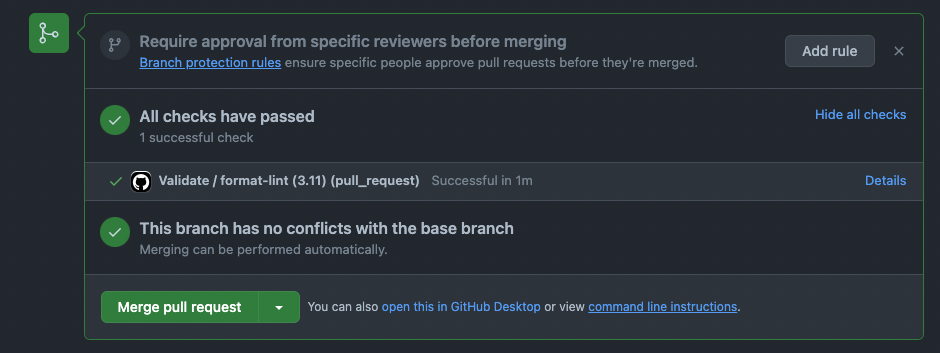
PR Validation
Every PR runs automatic validation. The workflow is in.github/workflows/validate.yml:
DockerHub with GitHub
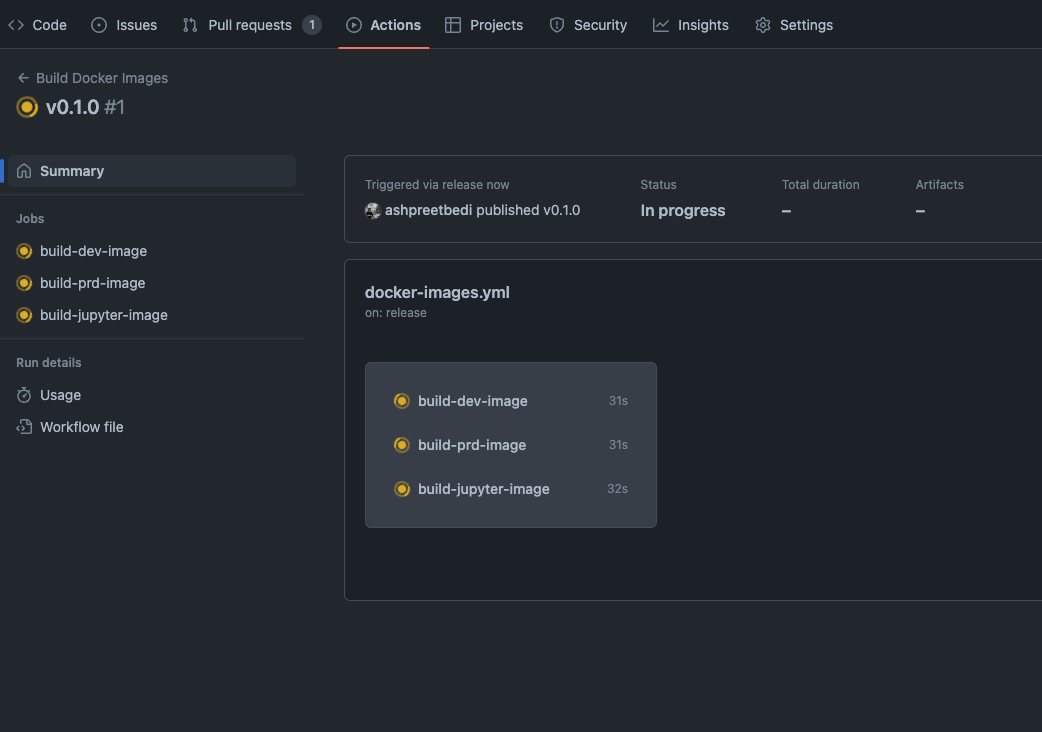
Build and push images on GitHub release. Workflow:.github/workflows/docker-images.yml
Create Docker Access Token
Go to Docker Hub Settings → Security and create an access token.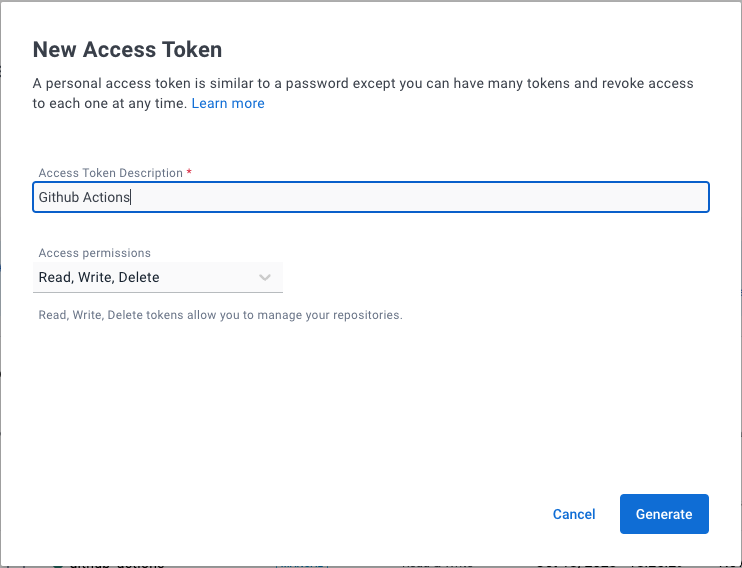
Add GitHub Secrets
In your GitHub repo, go to Settings → Secrets and variables → Actions.Add these secrets:
Add this variable:
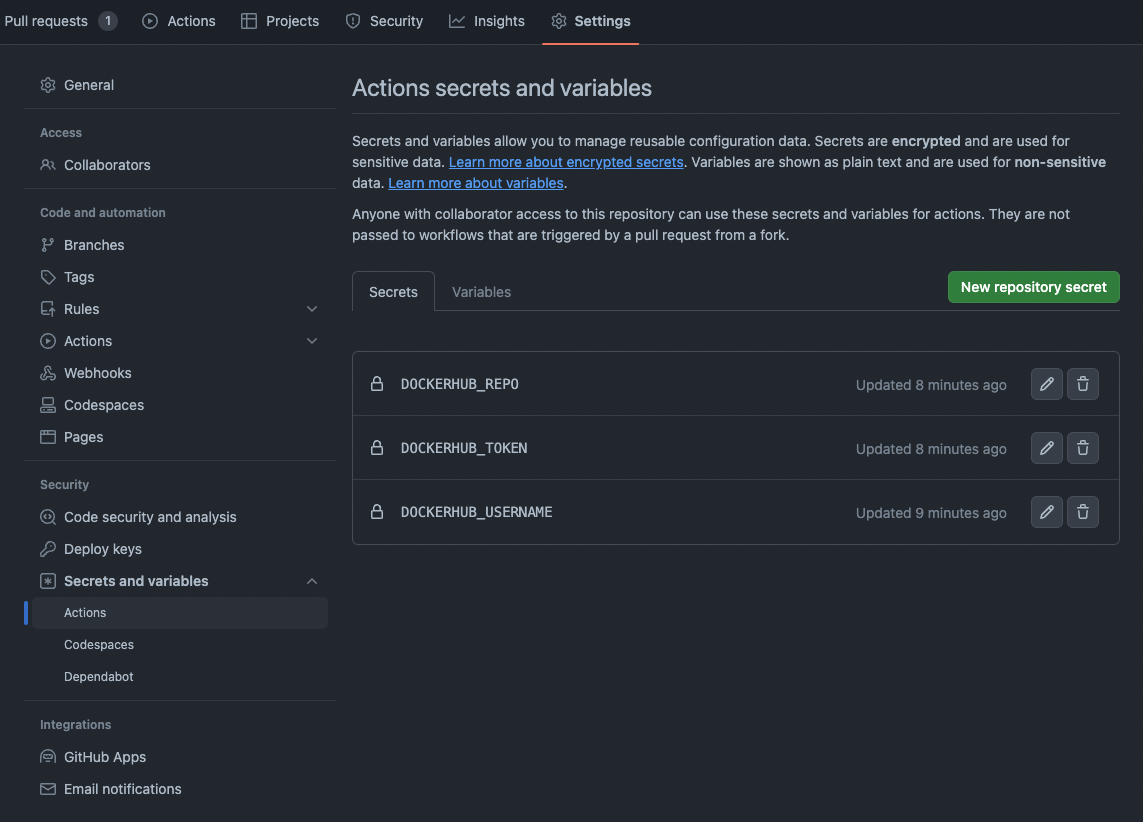
| Name | Value |
|---|---|
DOCKERHUB_USERNAME | Your Docker Hub username |
DOCKERHUB_TOKEN | The access token from Step 1 |
| Name | Value |
|---|---|
DOCKERHUB_NAMESPACE | Your Docker Hub namespace (usually your username) |
ECR with GitHub OIDC
Build and push to ECR using OpenID Connect. No IAM access keys stored in GitHub. Workflow:.github/workflows/ecr-images.yml
Set Up OIDC Provider
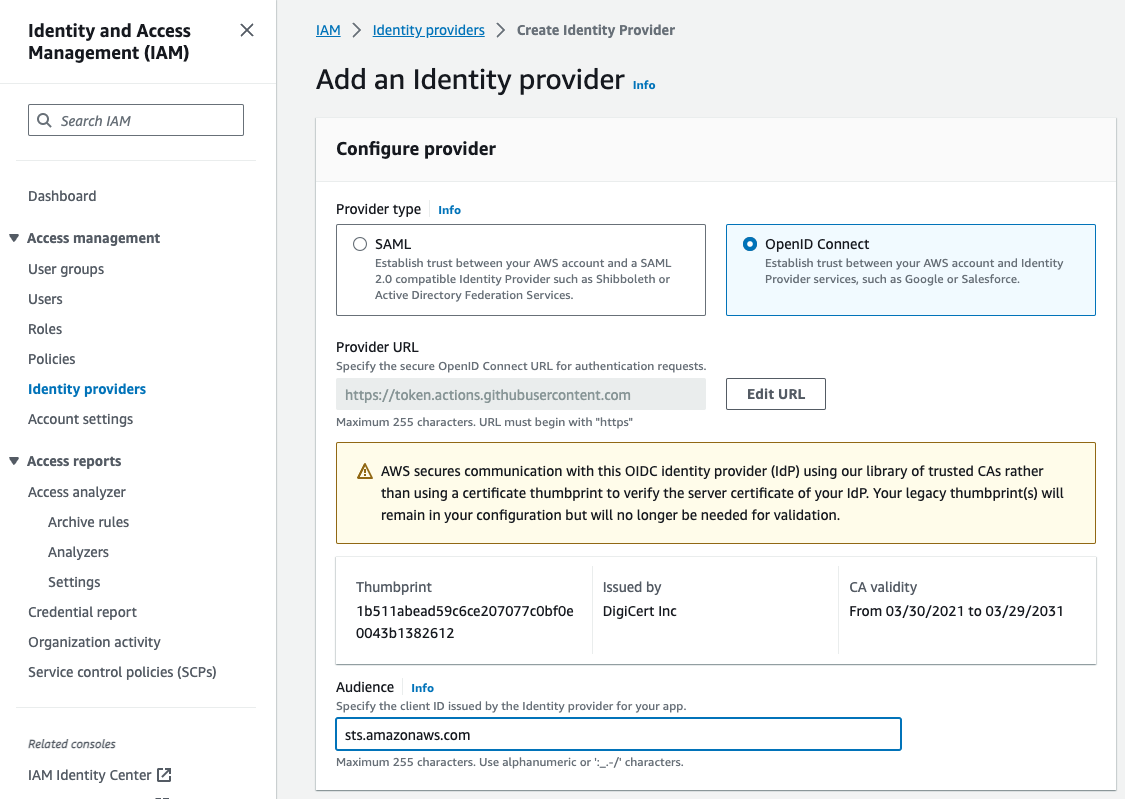
Add OIDC Identity Provider
- Open IAM Console → Identity providers → Add provider
- Provider type: OpenID Connect
- Provider URL:
https://token.actions.githubusercontent.com - Click Get thumbprint
- Audience:
sts.amazonaws.com
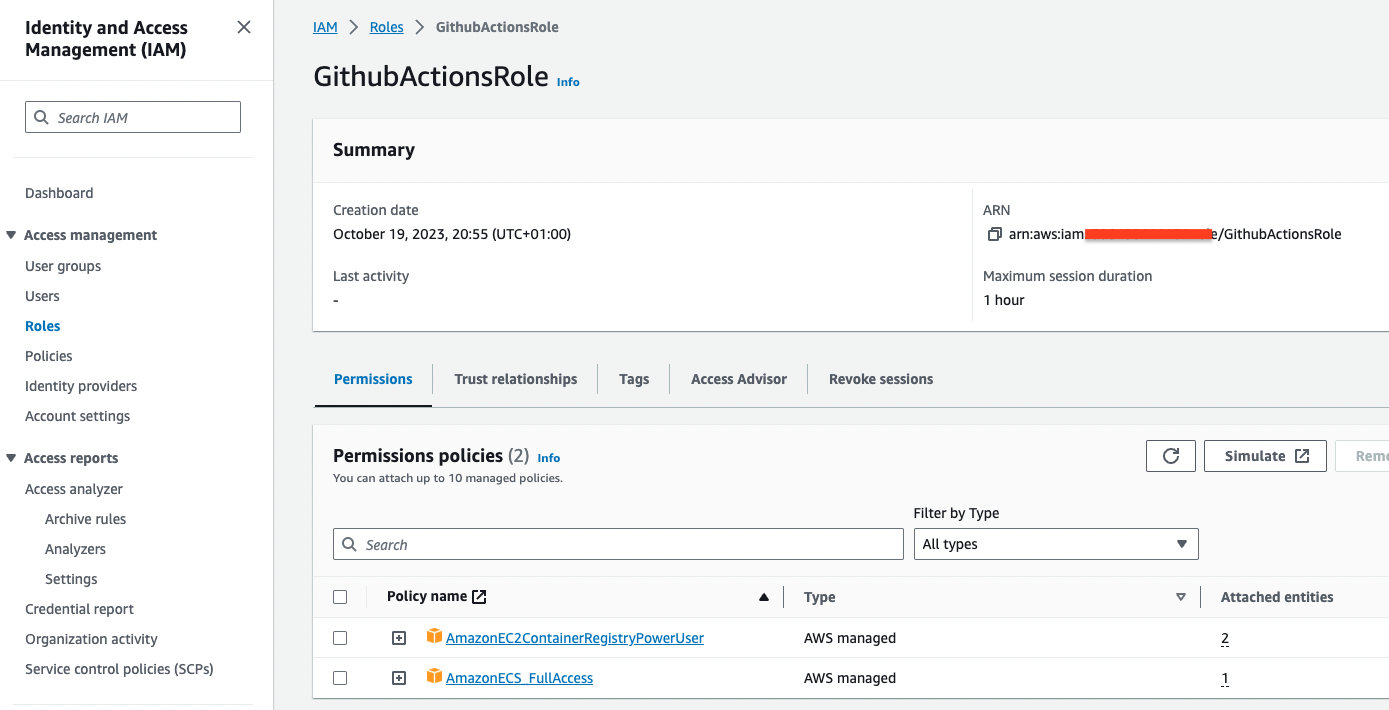
Create IAM Role
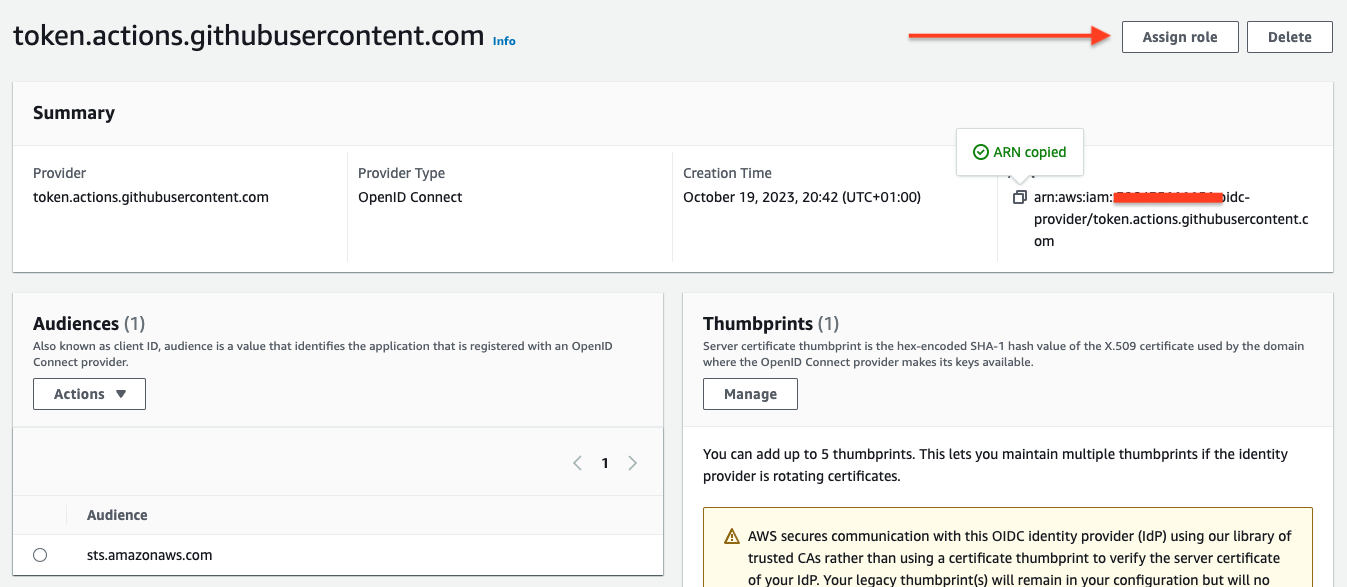
- After adding the provider, click Assign role → Create a new role
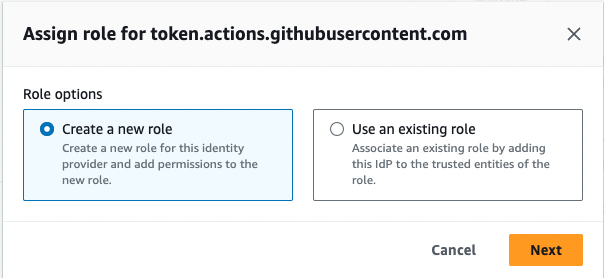
- Select Create a new role
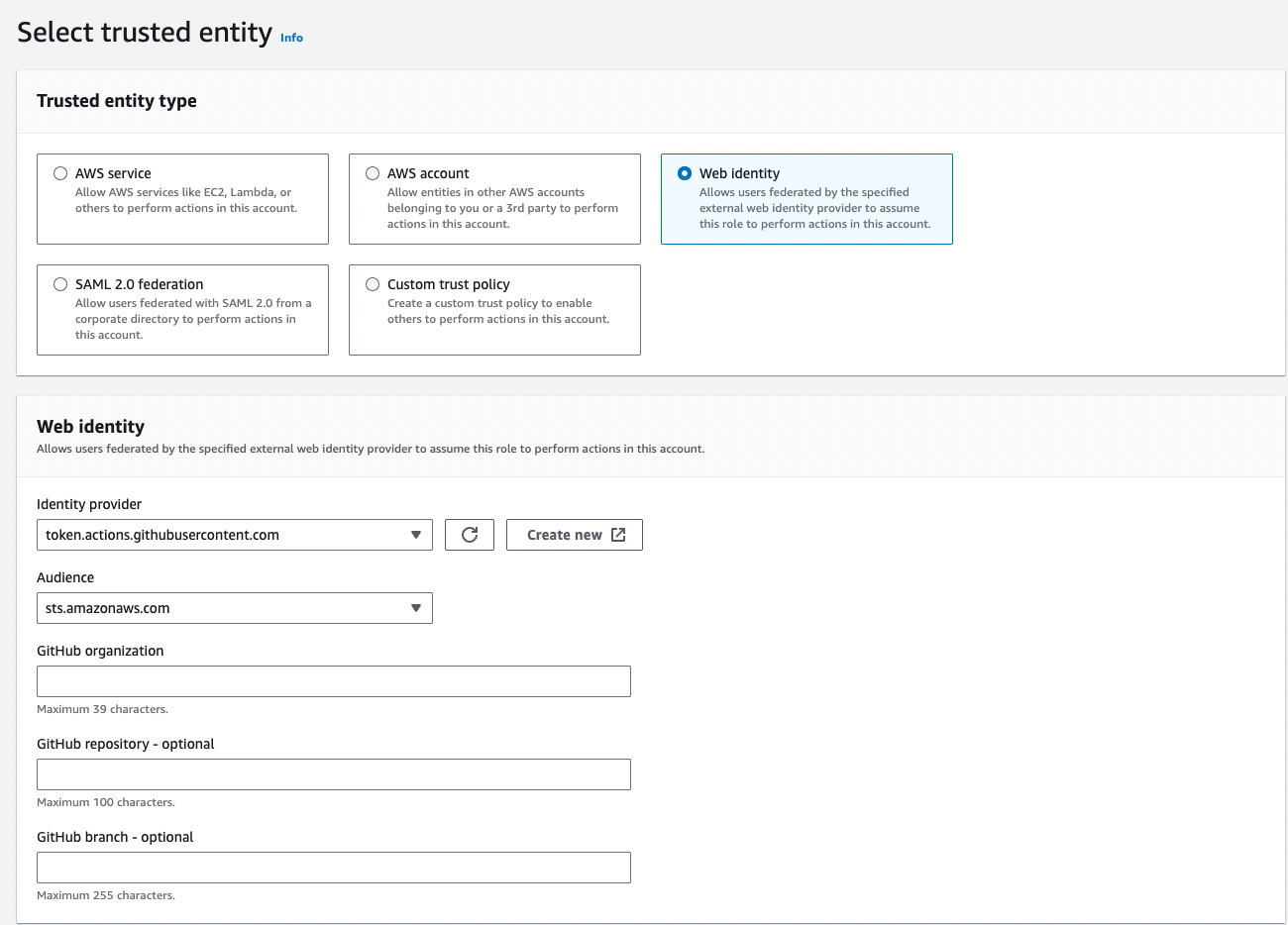
- Confirm Web identity is selected as trusted entity, Identity provider shows GitHub, and Audience is
sts.amazonaws.com
- Add permission:
AmazonEC2ContainerRegistryPowerUser - Role name:
GithubActionsRole - Copy the Role ARN (format:
arn:aws:iam::[ACCOUNT_ID]:role/GithubActionsRole)
Change Trigger to Release
The workflow defaults to If using ECR, disable the DockerHub workflow by changing its trigger:
workflow_dispatch (manual trigger). To trigger on release: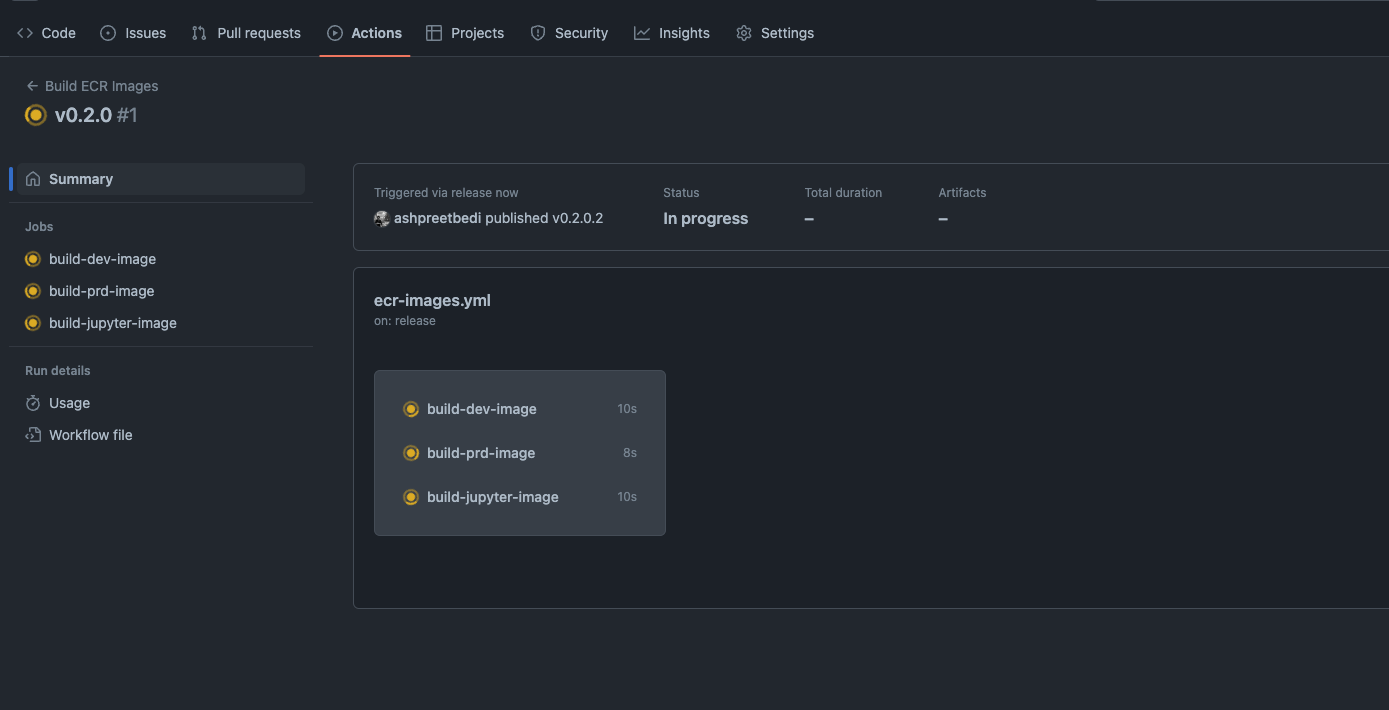
Why OIDC? GitHub Actions requests a temporary token from AWS instead of using stored credentials. More secure, no credential rotation needed.